If you're building a website or web app and want to host it online with minimal cost and fuss, Vercel is one of the most popular deployment platforms available today. In this tutorial, you’ll learn whether Vercel is free to use and exactly how to deploy your website in a few simple steps. Whether it’s a static site made with plain HTML/CSS/JavaScript or a full React/Next.js project, Vercel makes deployment straightforward.
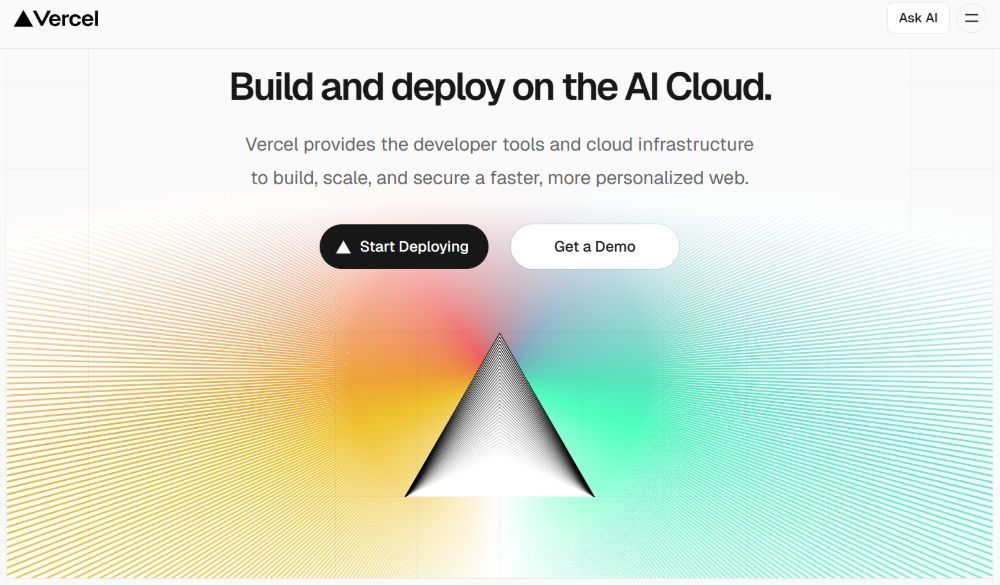
Is Vercel Free?
Yes — Vercel offers a free plan (often called the Hobby plan) that lets you host websites and applications without paying upfront. This free tier includes essential features like automatic deployment from Git, global CDN hosting, HTTPS, and even custom domain support. For most personal projects and small sites, the free tier is more than sufficient.
With the free plan, you'll get:
- Automatic deployment on each push to your Git repo
- A
.vercel.appsubdomain (e.g.,yourproject.vercel.app) - Global CDN delivery for fast access
- Optional custom domain setup
- Automatic HTTPS/SSL certificates
It's perfect for hobby projects, portfolios, documentation sites, or small web apps.
What You'll Need Before Deployment
Before you begin, make sure you have:
- A web project (HTML/CSS/JS or a JavaScript framework project like Next.js)
- A GitHub, GitLab, or Bitbucket account
- A free Vercel account (you’ll create this in the next step)
Step-by-Step: Deploying a Website to Vercel
1. Create a Vercel Account
- Go to vercel.com and click Sign Up.
- Sign in with your Git provider (GitHub, GitLab, or Bitbucket) or email.
- Complete any email verification steps to activate your account.
Once you're signed in, you'll be taken to the Vercel Dashboard.
2. Push Your Project to Git
Almost all Vercel deployments start from a Git repository. For example, if you're using GitHub:
- Initialize your project if you haven't already.
- Create a new repository on GitHub.
- Link your local project to the remote and push.
This ensures your code is online and ready for Vercel to access.
3. Import Your Repository on Vercel
- On the Vercel Dashboard, click Add New.
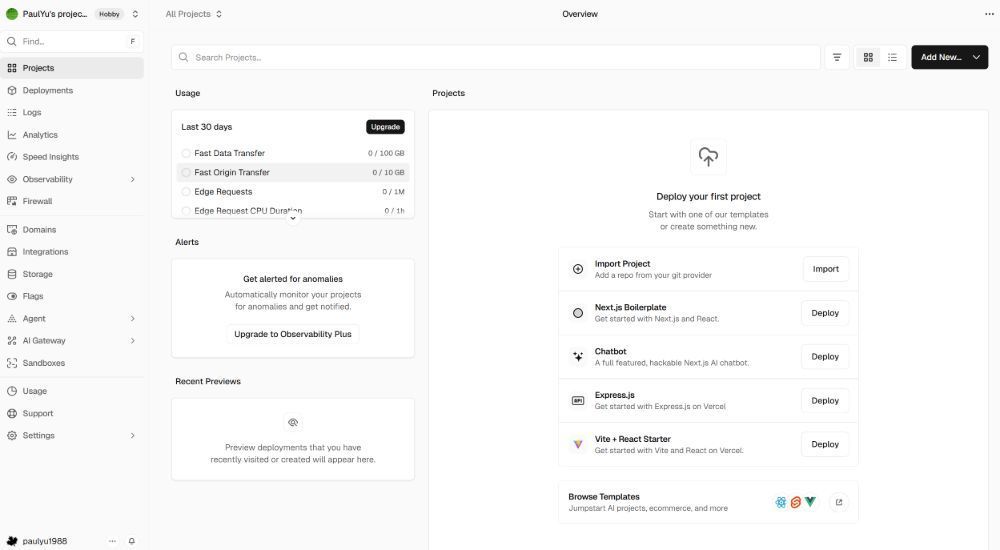
- Choose your Git provider (e.g., GitHub) and authorize access if needed.
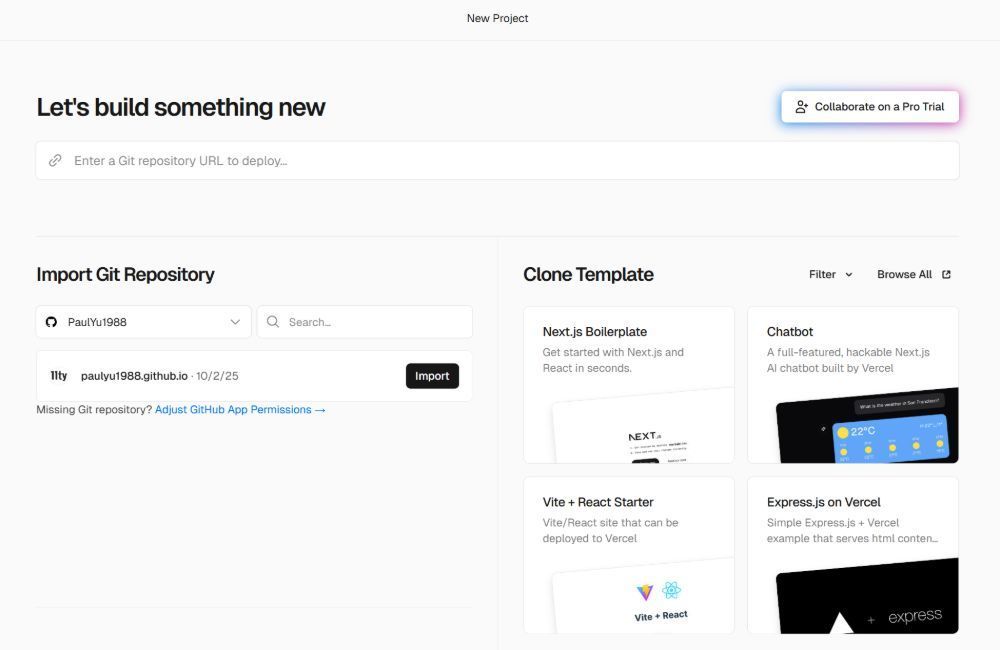
- Select the repository you just pushed.
- Vercel will auto-detect your framework and suggest sensible defaults.
- Click Deploy to start the deployment.
Vercel will clone the repo, install dependencies, run build commands (if needed), and publish your site. Within seconds you'll see a live URL like yourproject.vercel.app.
4. (Optional) Add a Custom Domain
Once deployed, you can link your own domain:
- Go to your project's Settings → Domains.
- Enter your custom domain name.
- Update DNS settings with your registrar according to Vercel’s instructions.
After DNS propagates, your site will be reachable on your branded domain instead of the .vercel.app address.
Optional: Deploy via Vercel CLI
If you prefer not to connect a Git repository, you can use the Vercel CLI:
Install it globally:
npm i -g vercelIn your project folder run:
vercelFollow prompts to link or create a project, and then:
vercel --prodThis uploads your project directly to Vercel without Git integration.
Common Questions
Will my website update automatically?
Yes — every time you push to your repo's main branch, Vercel will auto-deploy changes.
Does free tier include custom domain support?
Yes — you can use your own domain even on the free plan.
What if I need more power?
Paid plans add features like higher build limits, team collaboration tools, advanced analytics, and priority support. But for many users the free tier is enough.
Summary
Vercel is free to start with and offers a robust hosting solution for both static websites and modern frontend apps. With Git integration and automated deployments, you can go from code to live site in minutes — no servers to manage. Whether you use GitHub or the Vercel CLI, deploying your site is quick and beginner-friendly.